
Editing a SOM in the HelpHub
- Go to Helphub.Silvertoad.co.uk
- Click Login and use the Silvertoad credentials
- Once you’ve logged in you’ll be redirected to the home page and able to see different options
- Click on the user profile icon and select Admin
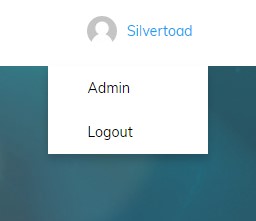
- You’ll be taken to the back end of wordpress
- In the left hand black pane, select pages
- Locate the name of the SOM you are wishing to edit, and click on its title.
- It will then open up the page and you can edit within the text editor.
- Once complete, click Update in the top right hand corner.