
How To Start A Microsoft Teams Meeting:
- Go to calendar
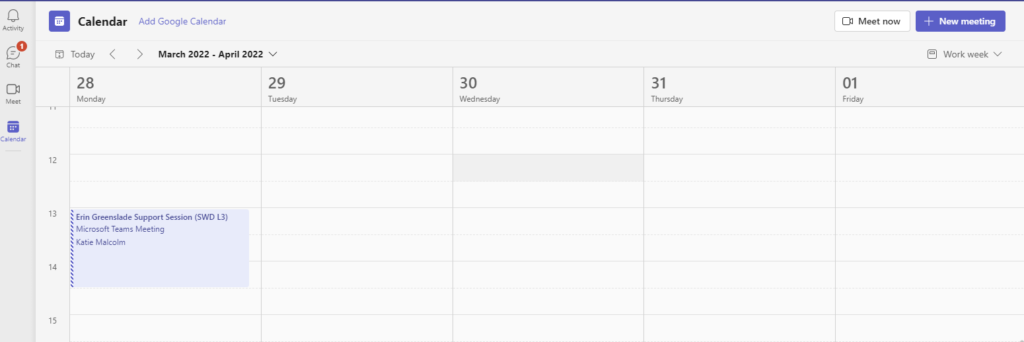
- Click on New Teams Meeting
- Fill out details as normal
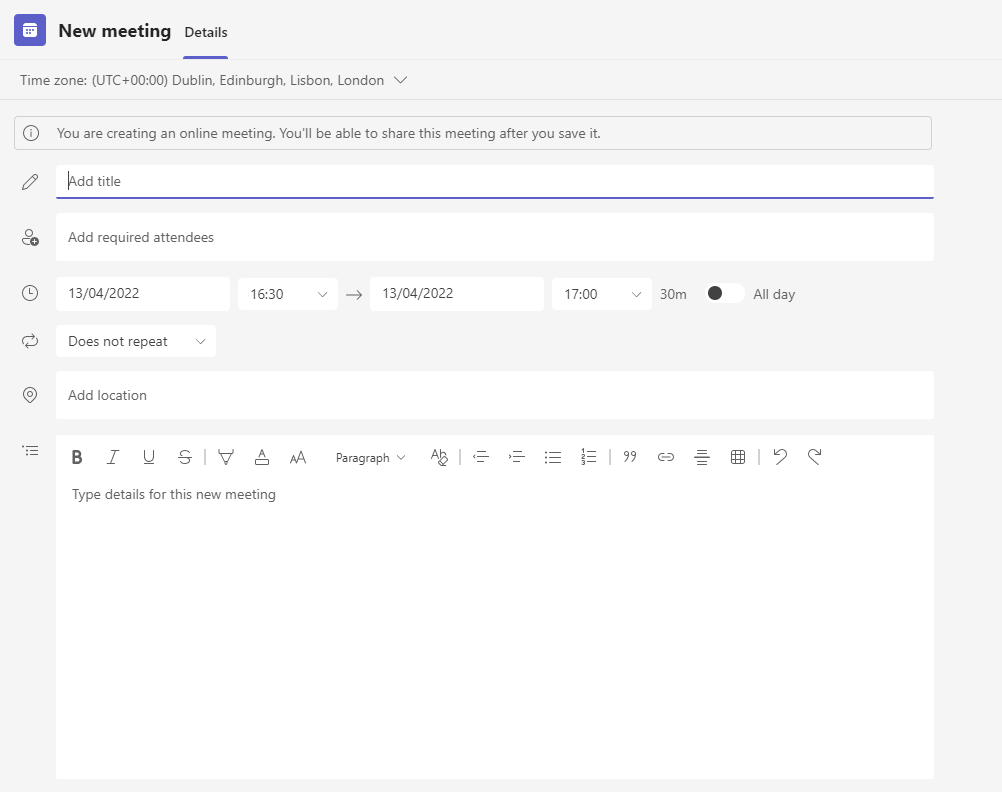
(Meeting Organiser will have to use the link in the calendar to join, and let in participants)
Team Admin:
- Log in here: Login.microsoftonline.com
To reset a password:
- Go to admin
- User Management
- Hover over the user’s name and click on the key
- Auto-generate password
- Hit Reset password
- Send email to the person